
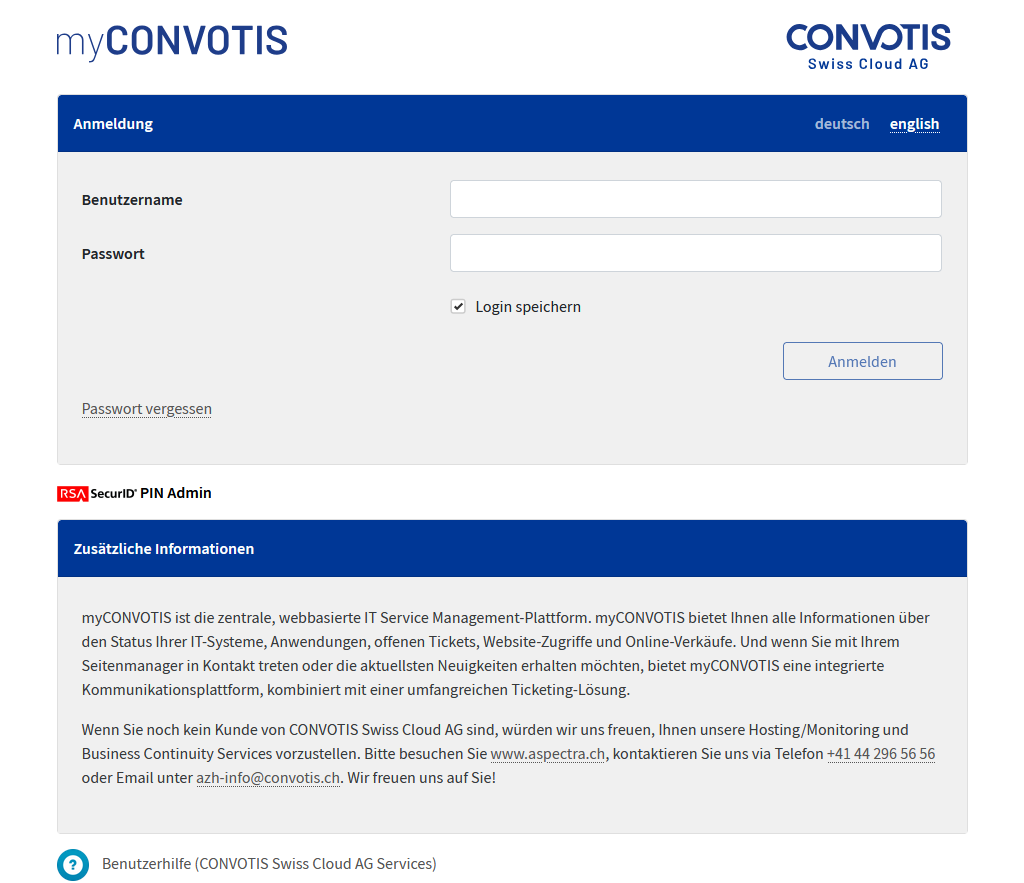
myCONVOTIS URL: https://www.myaspectra.ch
1. Start the login process
Please enter your username (i.d. xyzjodo) and password in the given fields and click on “Login”.
If you choose to save your credentials, you won’t have to insert your credentials for a week in this browser.
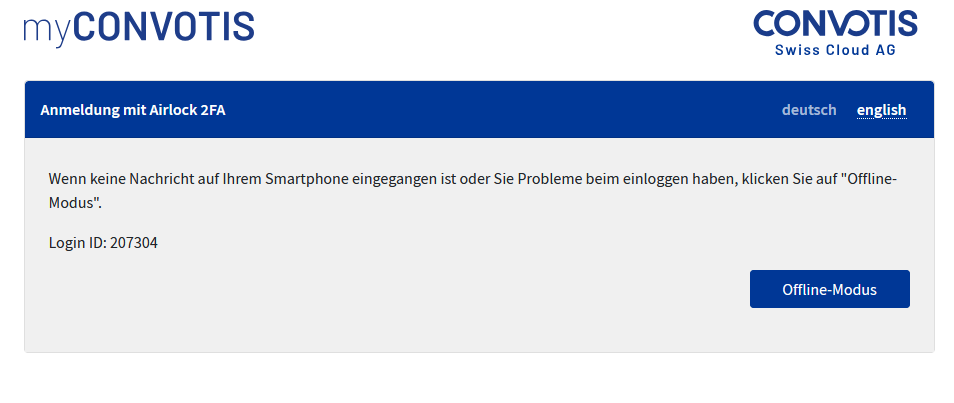
2a. Accept Airlock 2FA push notification
If your mobile phone with the Airlock 2FA-App is online, you will recieve a push notification that you have to accept to continue. If your mobile phone isn’t online, please click on “Offline mode”.
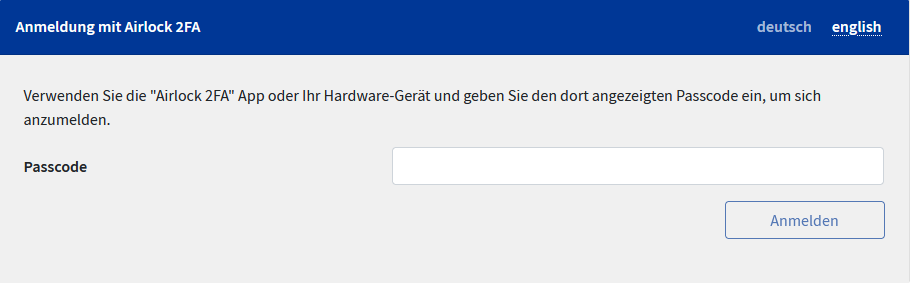
2b. Airlock 2FA offline mode
If you chose the Airlock 2FA Offline mode, you have to insert the Token that your Airlock 2FA-App is presenting you in your App under “myCONVOTIS” and click on “Login”.
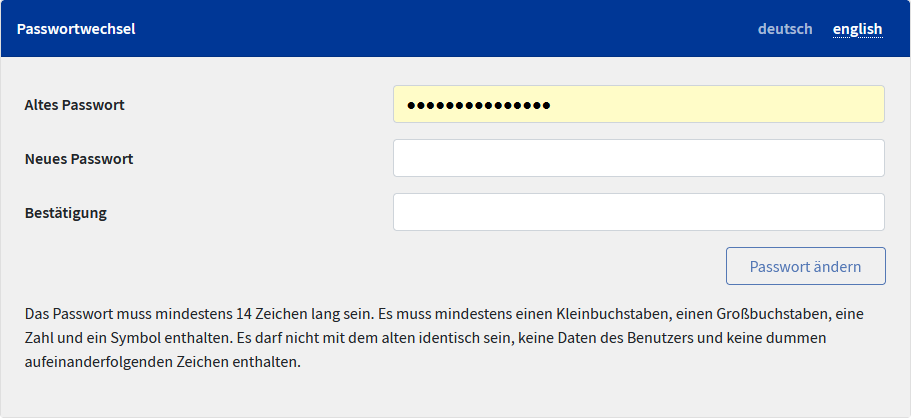
3. Possible password change
For security reasons you have to change your password when you log in for the first time or an administrator set you a new password. Please pay attention to the notes regarding the password specifications.