
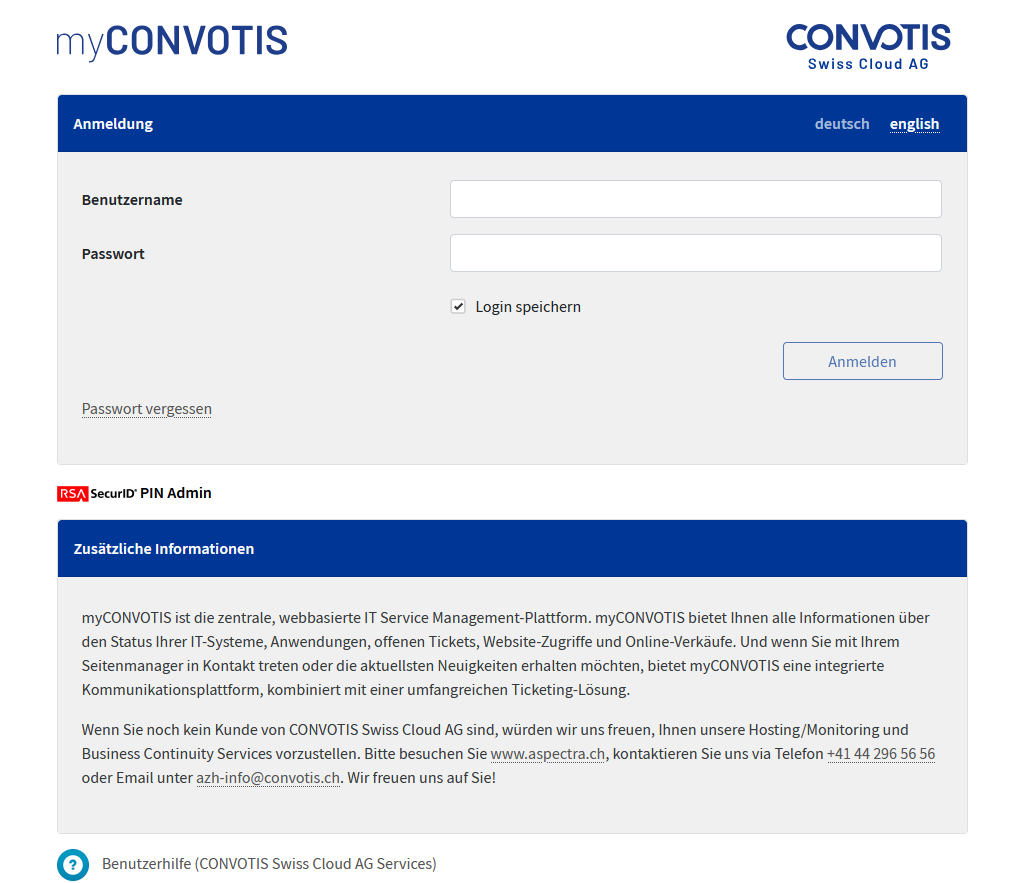
myCONVOTIS URL: https://www.myaspectra.ch
1. Start the login process
Please enter your username (i.d. xyzjodo) and password in the given fields and click on “Login”.
If you choose to save your credentials, you won’t have to insert your credentials for a week in this browser.
2. Choose FIDO/Passkey
If this is your first login or you haven’t chosen a 2FA Method yet, you will have to choose a 2FA Method to continue your login. Logins without 2FA aren’t accepted anymore. To use FIDO/Passkey choose the corresponding select box and click on “migrate now”.
3. Configure FIDO/Passkey for myaspectra
Choose a good name for your FIDO/Passkey token to recognize it easely and configure the FIDO/Passkey token accordingly to your FIDO/Passkey setup.
4. Accept FIDO/Passkey notification
Depending on your FIDO/Passkey setup accept/conferm the FIDO/Passkey notification accordingly.
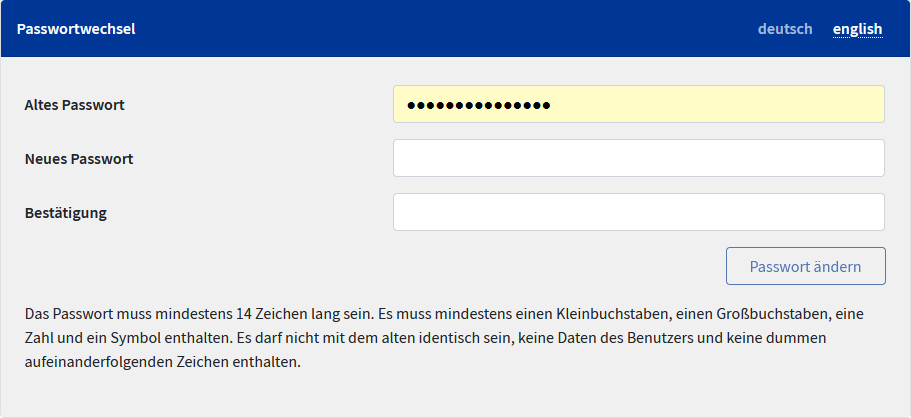
5. Possible password change
For security reasons you have to change your password when you log in for the first time or an administrator set you a new password. Please pay attention to the notes regarding the password specifications.