
If you are using a password manager and have stored your OATH OTP in it, please make sure to delete it there first before proceeding.
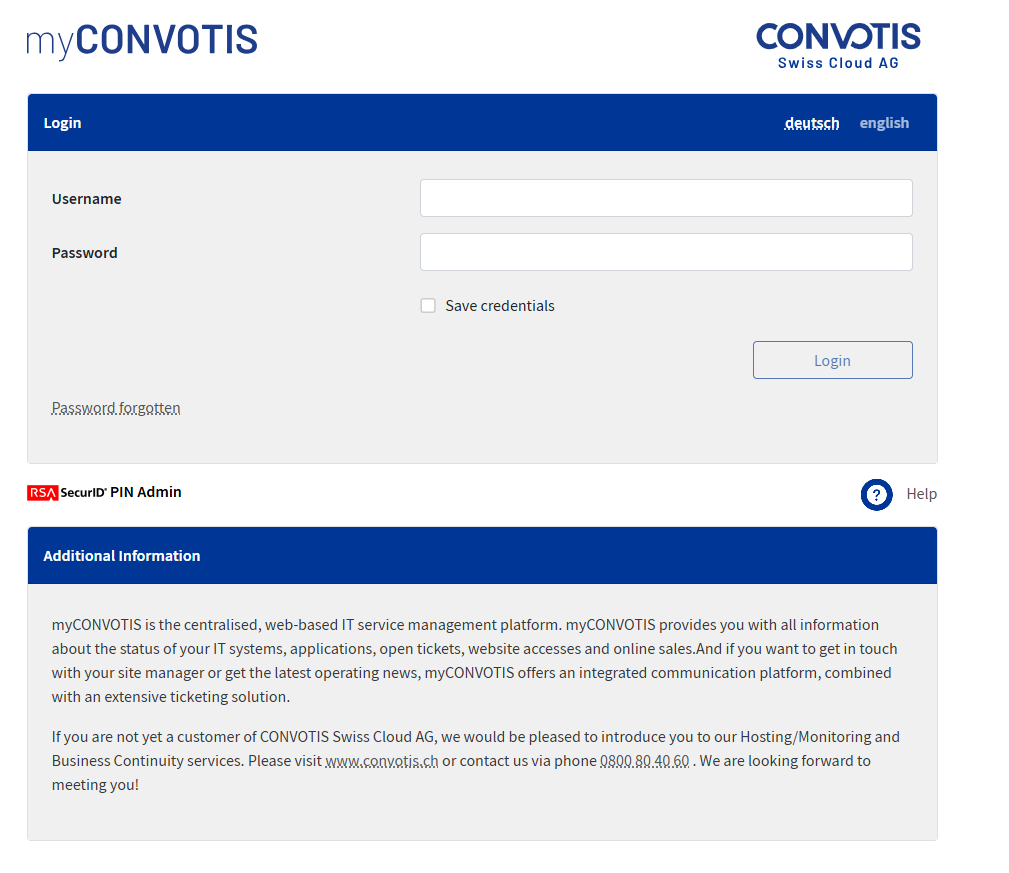


Log in with your username, consisting of three letters of your company, the first two letters of your first and last name, and your password. Do not use your email address.
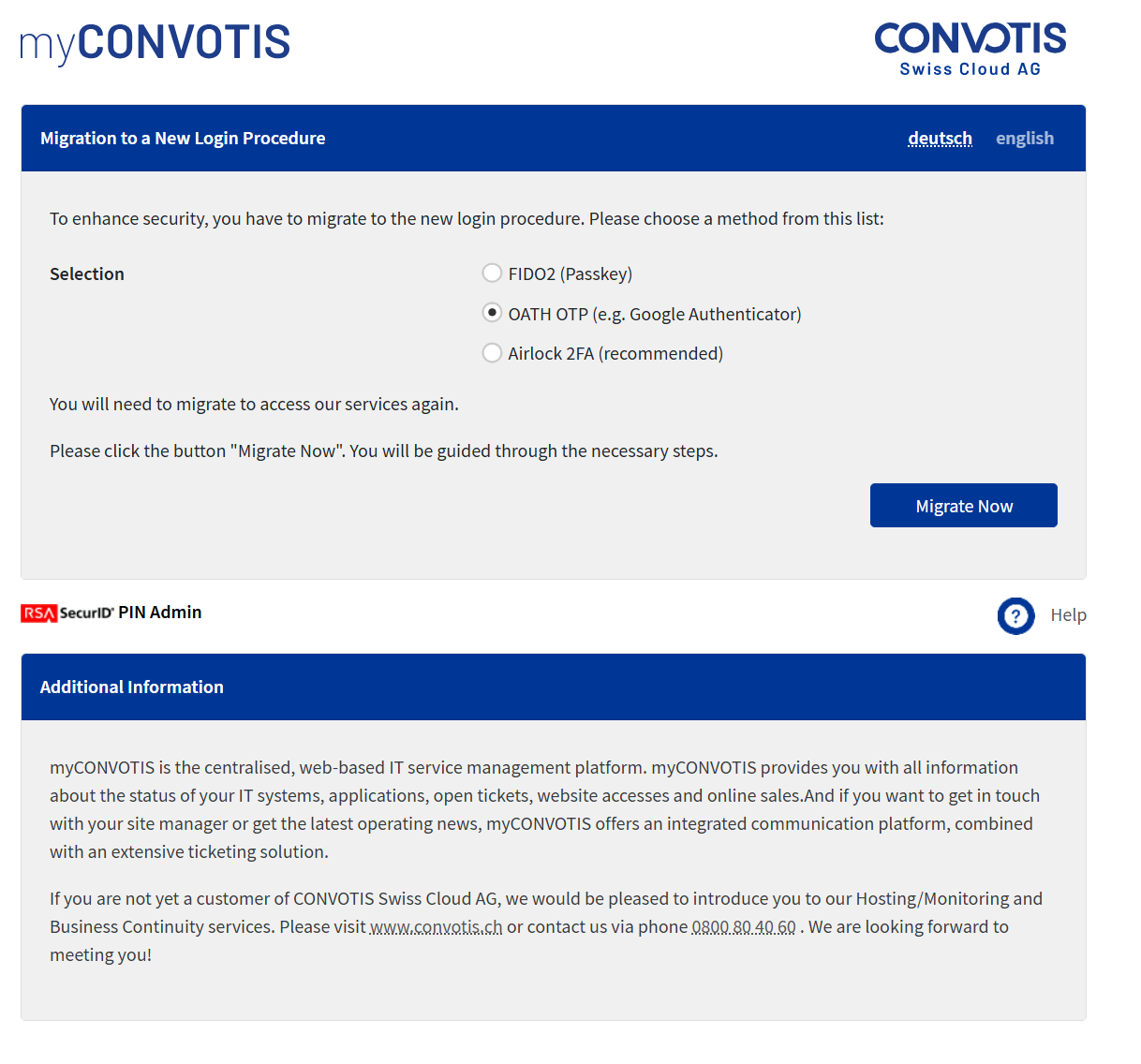
Select OATH OTP as the second factor and click “Migrate Now”.
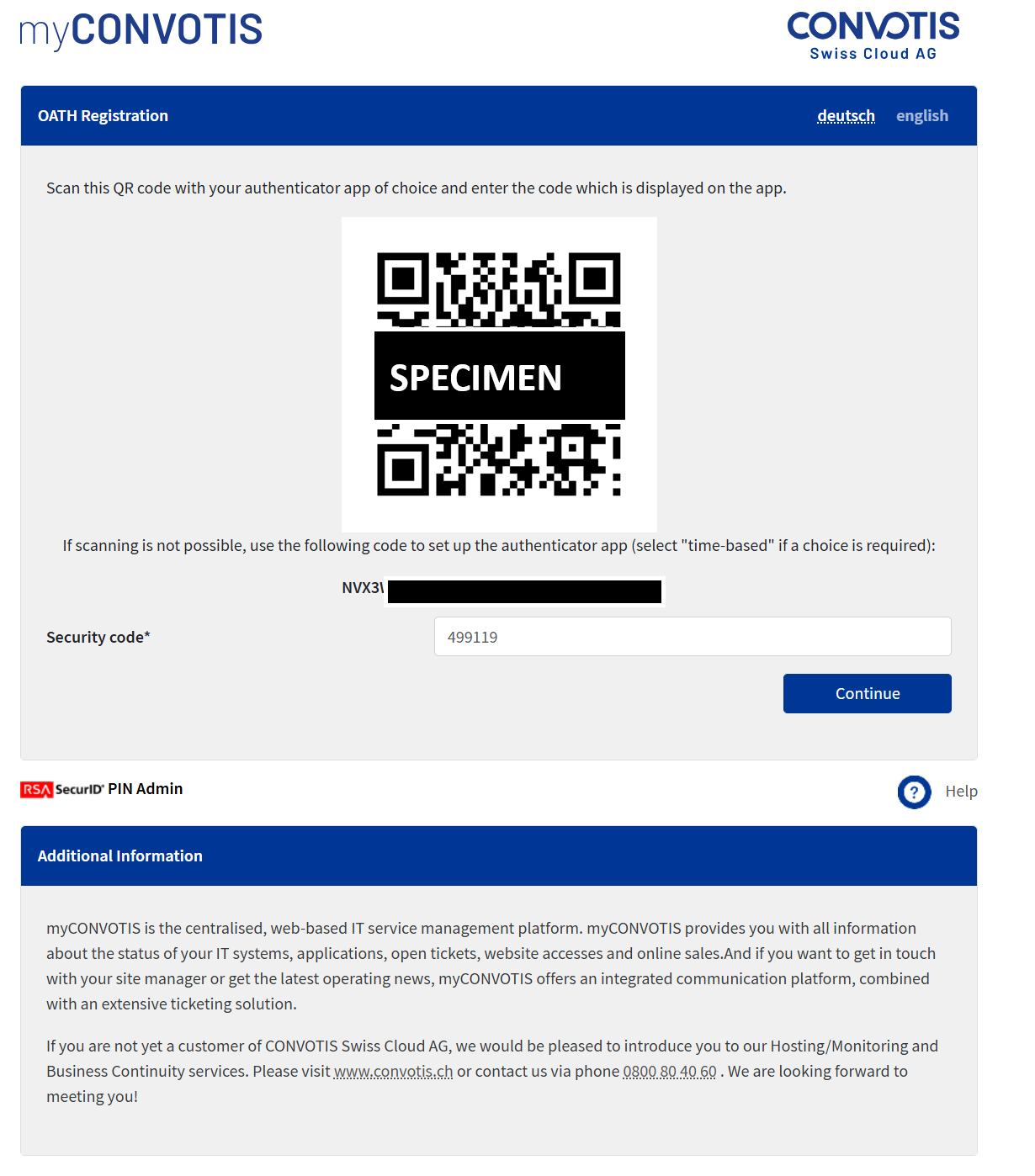
Scan the QR code with your authenticator app and enter the displayed six-digit code in the browser. Click “Continue”.”
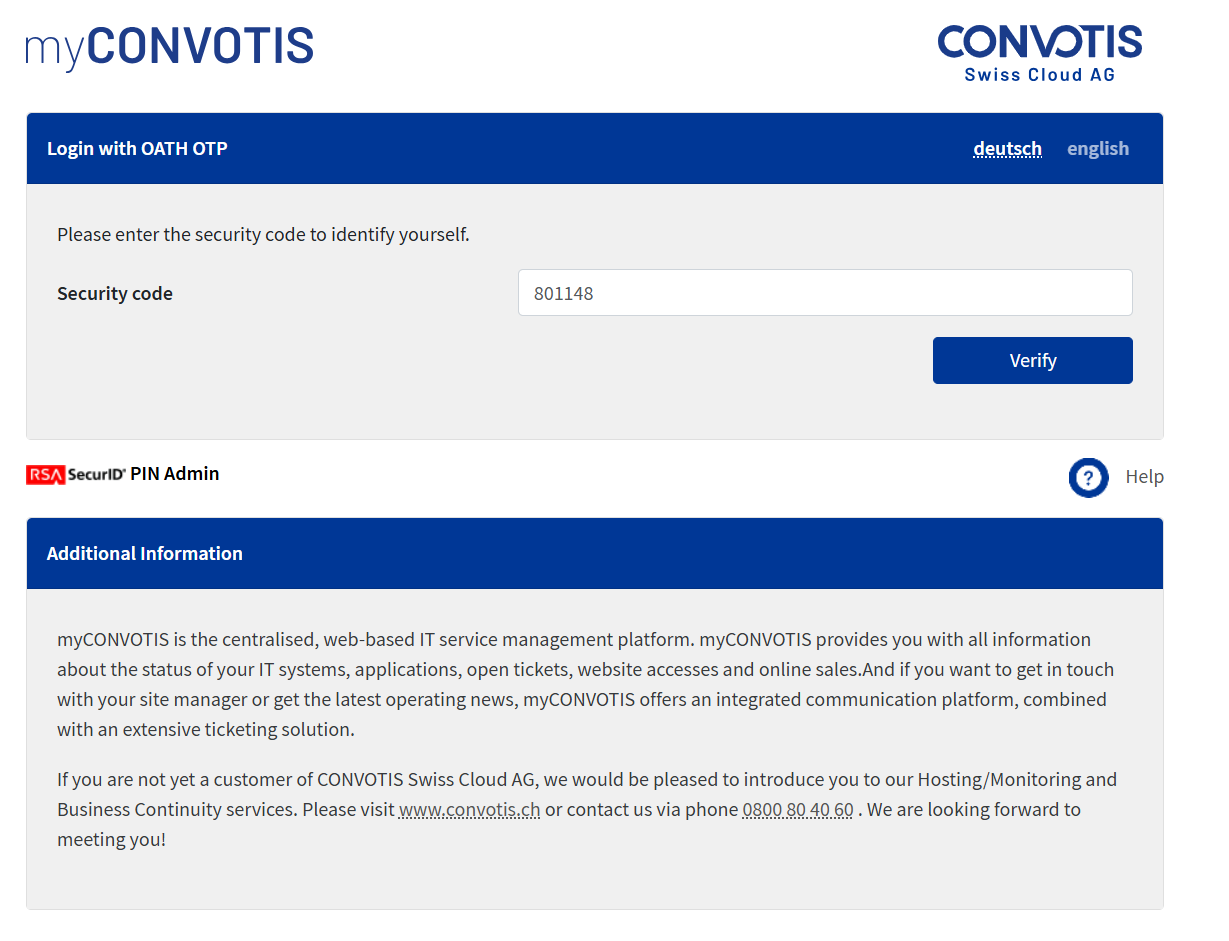
Enter the six-digit code again. If a new code is displayed in the meantime, please use that one. Click “Verify”.
You have successfully registered your 2FA.
Known Errors
If you already have an existing session, you may see the following:
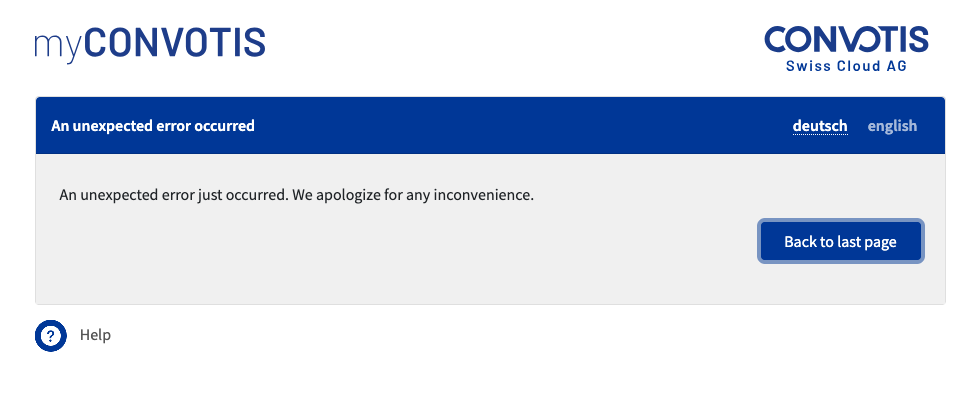
In this case, please use an incognito window (or private window) of your browser. If you do not have this option, please clear both your cache and your cookies, and try to log in again at https://www1.myconvotis.ch.